
All digital Giftograms sent within the same transaction are grouped in one single order
Giftogram orders are organized by transaction. This means all Giftogram emails sent under a single order will be grouped.
View order details and delivery statuses, and download a single invoice for one send.
Here's how:
First, head over to your dashboard and click on Orders > Order History > Digital Orders
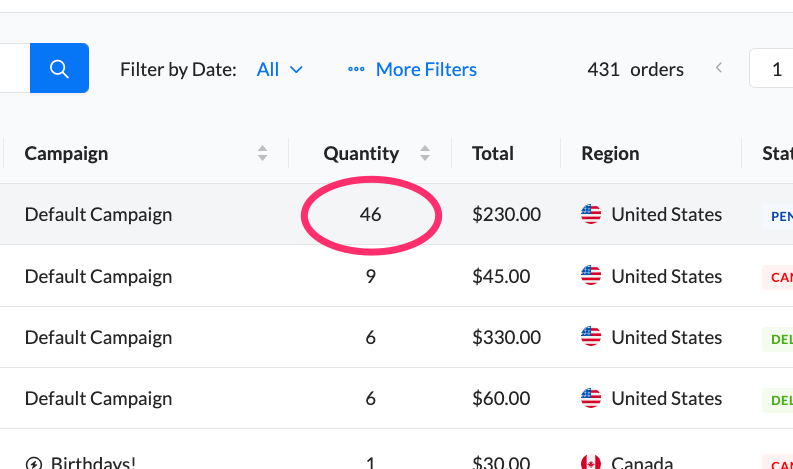
On the Digital Orders page, you'll find each order and the number of emails sent under that single order.
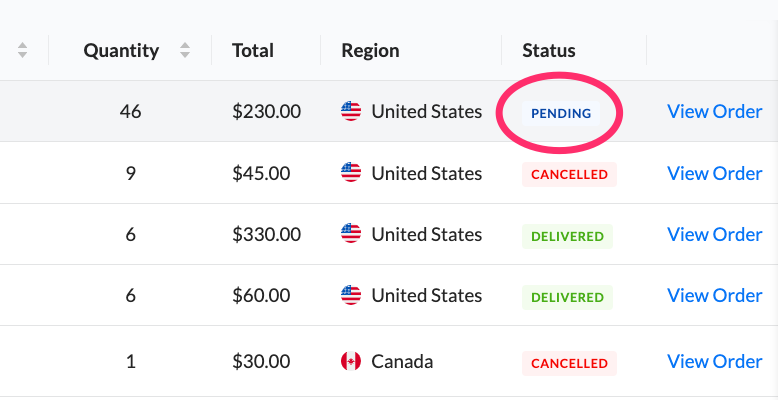
The status listed on this page will show the overall status of that single order.
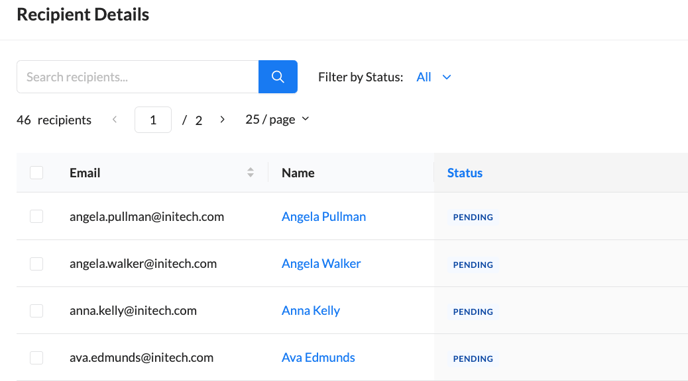
If you click "View Order" next to any order, you can see all of the emails sent under that single order and view their statuses as well as cancel, resend, or download a receipt for the entire order:
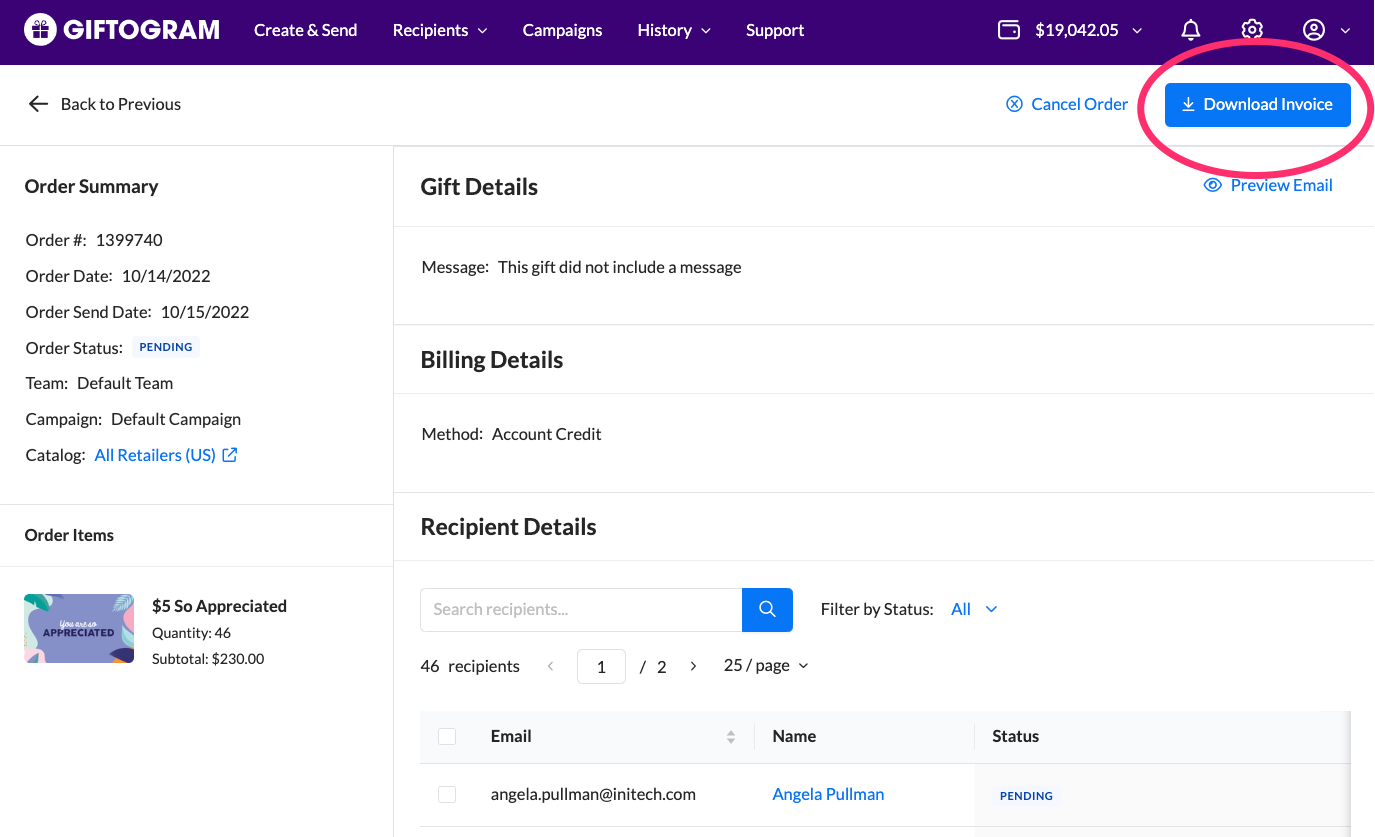
To download an invoice/receipt for your order, click the blue button in the upper right of the order detail page:
Have questions? We're here to help! Simply click our chat icon at the bottom right of this page or contact our team members during normal business hours.